

Needs the Contracts module. Drafting from templates also needs the Contract drafting module and Contracts access in your role. Ask your workspace admin.
Find a contract
Open Contracts in the sidebar.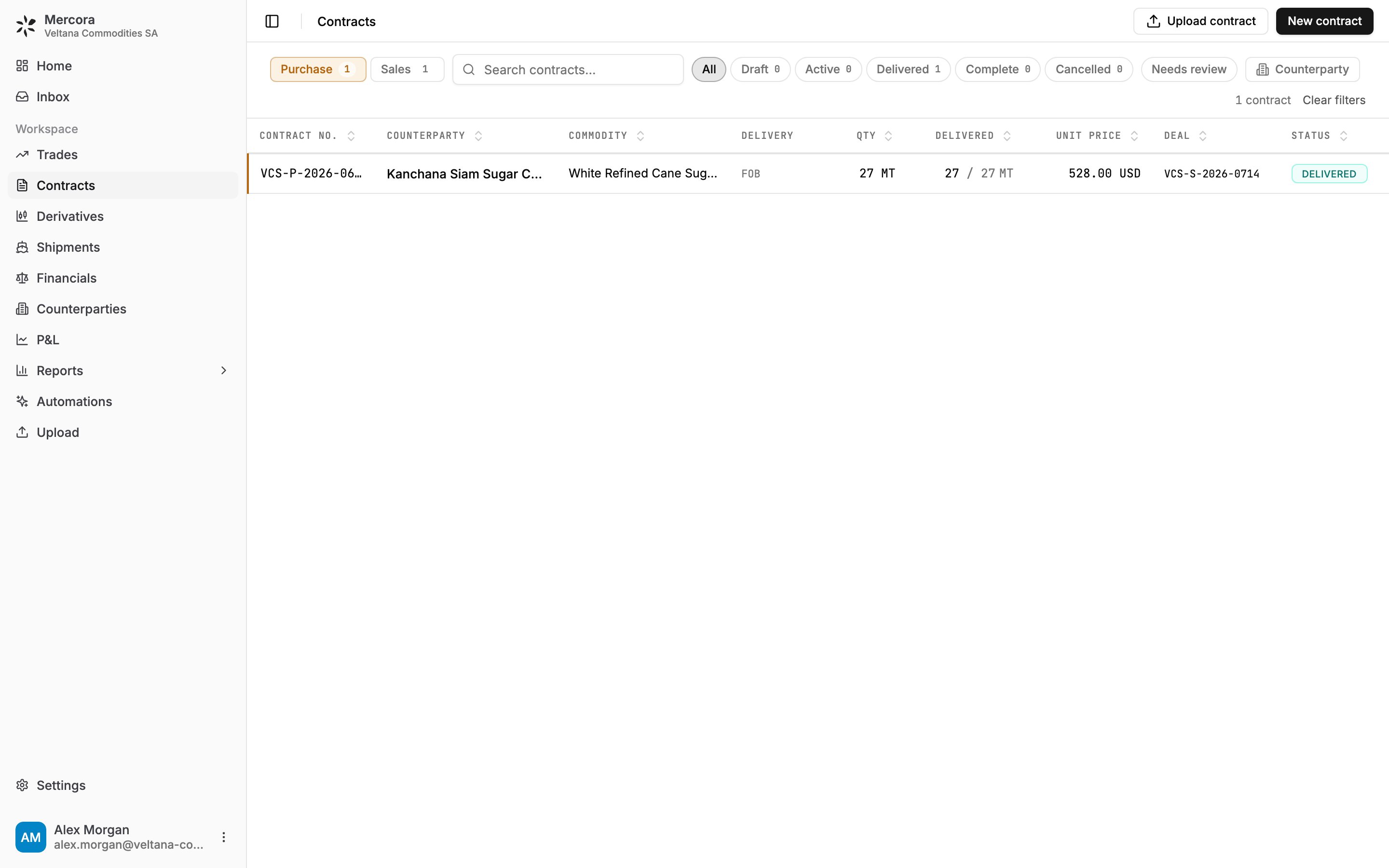
The Purchase side with All selected: VCS-P-2026-0688 from Kanchana Siam Sugar, 27 of 27 MT delivered, paired into deal VCS-S-2026-0714.
Mercora works the status out. Click the pill to pin another, or choose Auto to hand it back.
Add a contract
- Upload it. Click Upload contract or drop files on the page. Approving the document in the Inbox creates the contract.
- Enter it by hand. Click New contract, pick Purchase or Sale, and fill in the terms. A contract number and counterparty are required. Copy from previous… starts from an existing contract.
- Capture it from email or chat with Deal Capture.
Pair contracts into a deal
- Open a standalone contract and click Pair into deal.
- Search contracts and deals. Matches that share a deal reference are marked deal ref match.
- Pick a standalone contract on the other side to create a new deal, or an existing deal to join it.
Draft contracts from your templates
Mercora can draft a contract from your own Word template, filled with the contract’s data. Admins upload the templates, tagged by side, entity, Incoterm and commodity, under Contract templates.- In the Copilot, ask for the contract, for example “Draft the sales contract for P-2026-118”.
- Confirm the template. The Copilot picks the one that fits the contract’s side, entity, Incoterm and commodity, or asks you when several fit, none fits or it isn’t clear.
- Check the draft. It’s filled only from the contract’s data and what you said in the conversation. Anything it can’t confirm is left as a highlighted placeholder.
- Download it, review it and complete it. Nothing is saved to the contract or sent to anyone.
Next steps
- Trades: work the deal your contracts are paired into.
- Counterparties: the companies on your contracts.